
Home Affordability Calculator
Stop guessing. Start planning.
Stop guessing. Start planning.
Determine your true purchasing power by analyzing not just your income, but your liquidity, state-specific property taxes, and "ghost costs" like maintenance. Unlike standard bank pre-approvals, this tool focuses on your financial solvency—ensuring you don't just buy a home, but can afford to keep it.
Buying a home is the largest financial transaction most people will make in their lifetime. However, the sticker price of the home is only one part of the equation. True affordability involves understanding your debt-to-income ratio (DTI), the impact of current interest rates, and the "ghost costs" of homeownership that banks often overlook.
Most standard mortgage calculators only look at Principal and Interest (P&I). They neglect the critical factors that actually break a budget: state-specific property taxes, insurance premiums in high-risk areas, and the inevitable maintenance costs of owning physical property. Solveria's engine integrates these variables to give you a "Solvency Score"—a measure of whether you can stay in the home long-term.
Financial advisors often cite the 28/36 rule as a baseline for affordability. It suggests you spend no more than 28% of your gross monthly income on housing expenses and no more than 36% on total debt (including housing). Our calculator helps you visualize these ratios in real-time to see if you are over-leveraging yourself.
Homes depreciate physically. The "1% Rule" suggests saving 1% of the home's value annually for maintenance (e.g., $4,500/year for a $450k home). We include this in your monthly obligation to prevent future cash-flow shock when a water heater breaks or a roof needs patching.
As interest rates rise, your purchasing power decreases because more of your monthly payment goes toward interest rather than principal. A 1% increase in rates can reduce your buying power by approximately 10-11%. It is crucial to lock in rates or plan for refinancing if rates drop in the future.
Closing costs typically range from 2% to 5% of the loan amount. These fees cover appraisal, title insurance, loan origination, and prepaid taxes. If you don't have this cash upfront, you cannot close the deal, even if you can afford the monthly payments. Our tool explicitly calculates this "Cash Gap."
Property taxes vary wildly by state. For example, New Jersey has an average effective rate of over 2%, while Hawaii is under 0.3%. Furthermore, state income taxes affect your take-home pay, which is the actual pool of money you use to pay the mortgage. We adjust your net income based on the selected state's tax brackets.
If your down payment is less than 20%, lenders typically require PMI to protect themselves in case of default. This is an extra monthly cost that provides no benefit to you. Our calculator automatically adds this fee if your down payment slider is below the 20% threshold.
Select "Save as PDF" in the destination menu.
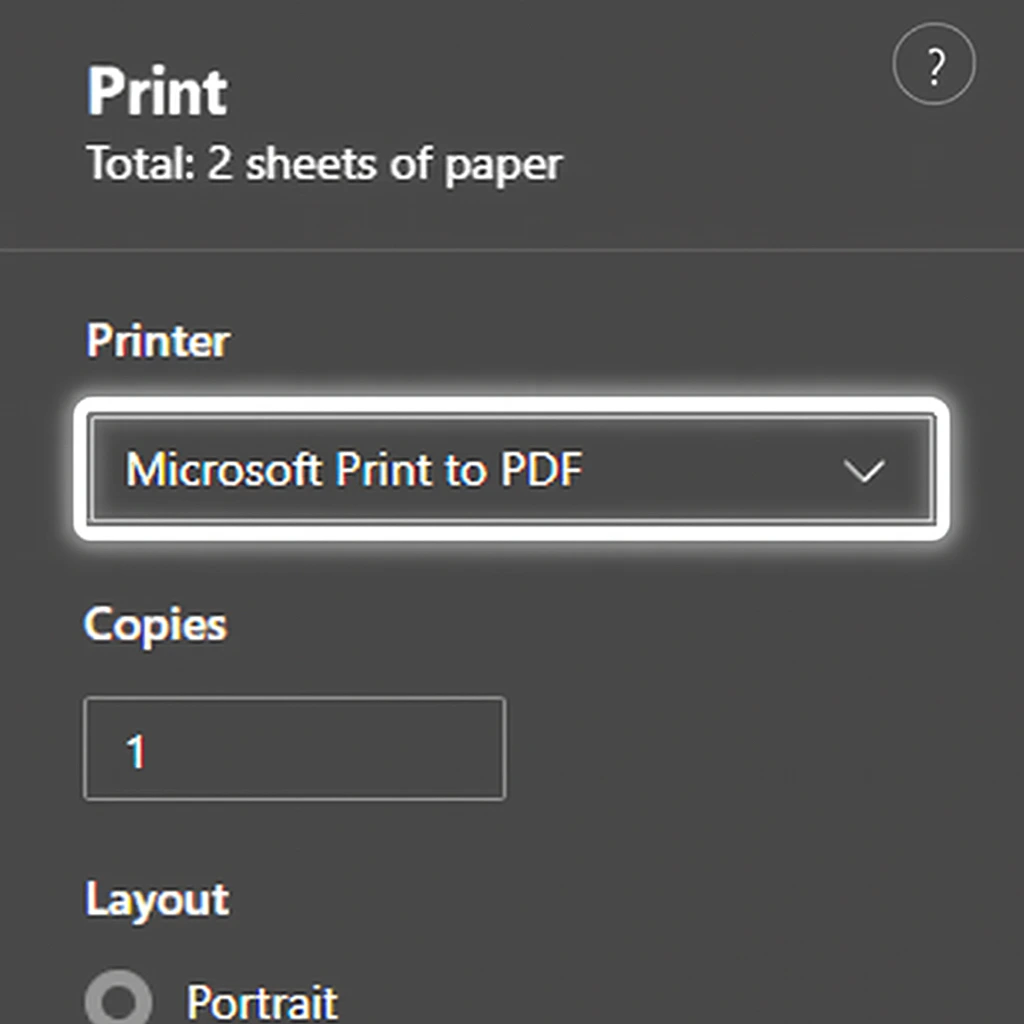
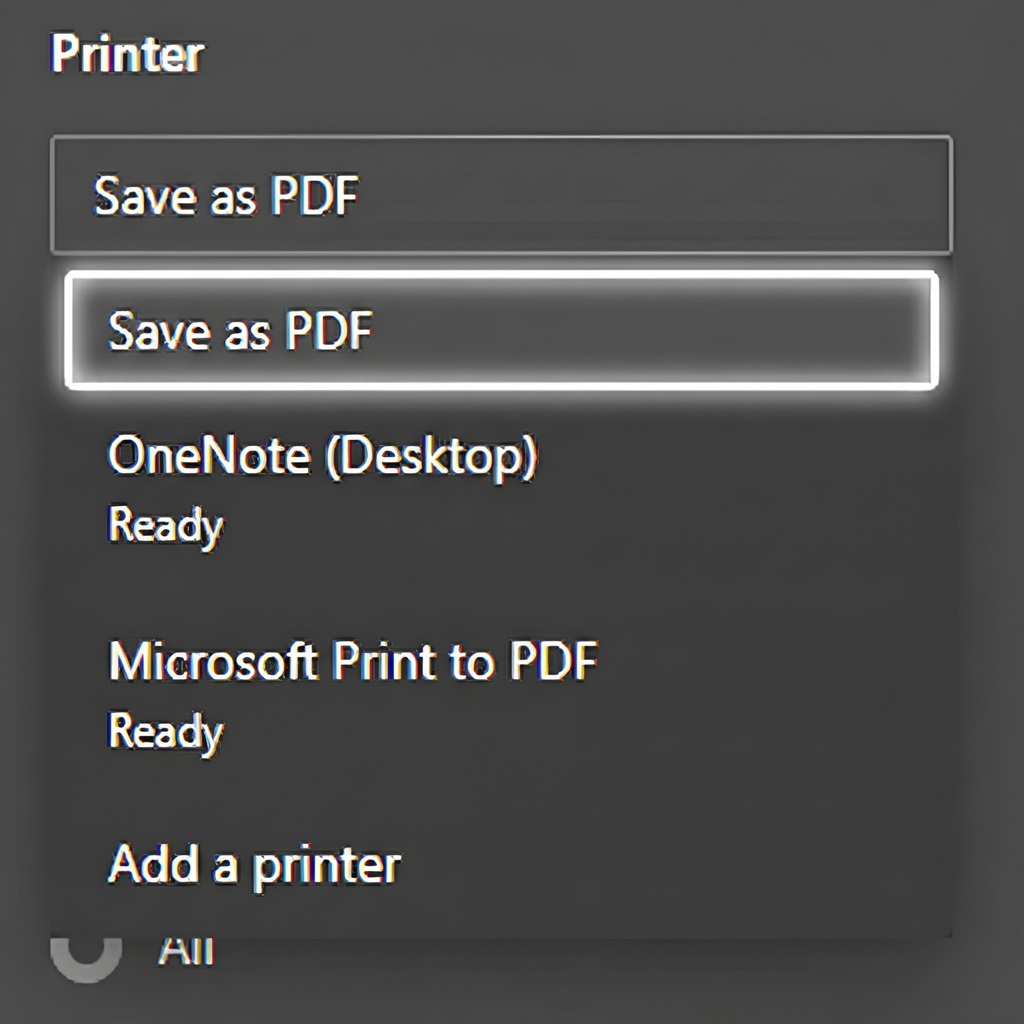
Follow the steps above to save your results.